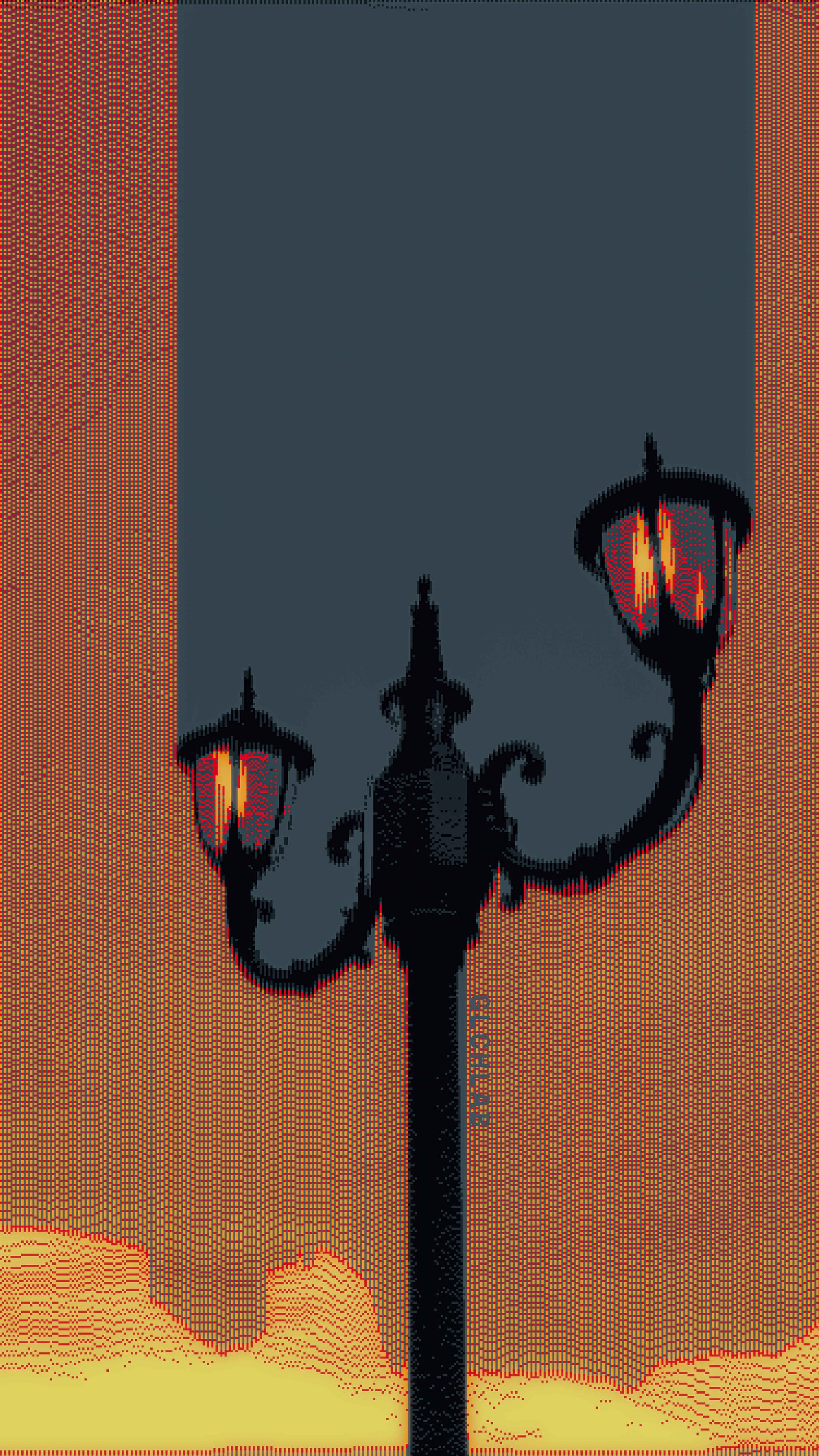
 EXP-014GLI · CRT
Iron & InterferenceGLITCH
Where Pixels Become Experiments.
Exploring image processing, graphic effects, and computational aesthetics—one pixel at a time.
A close-up eye redrawn entirely as horizontal waveforms — every scanline bending in place of shading, like an oscilloscope reading a face instead of a signal.
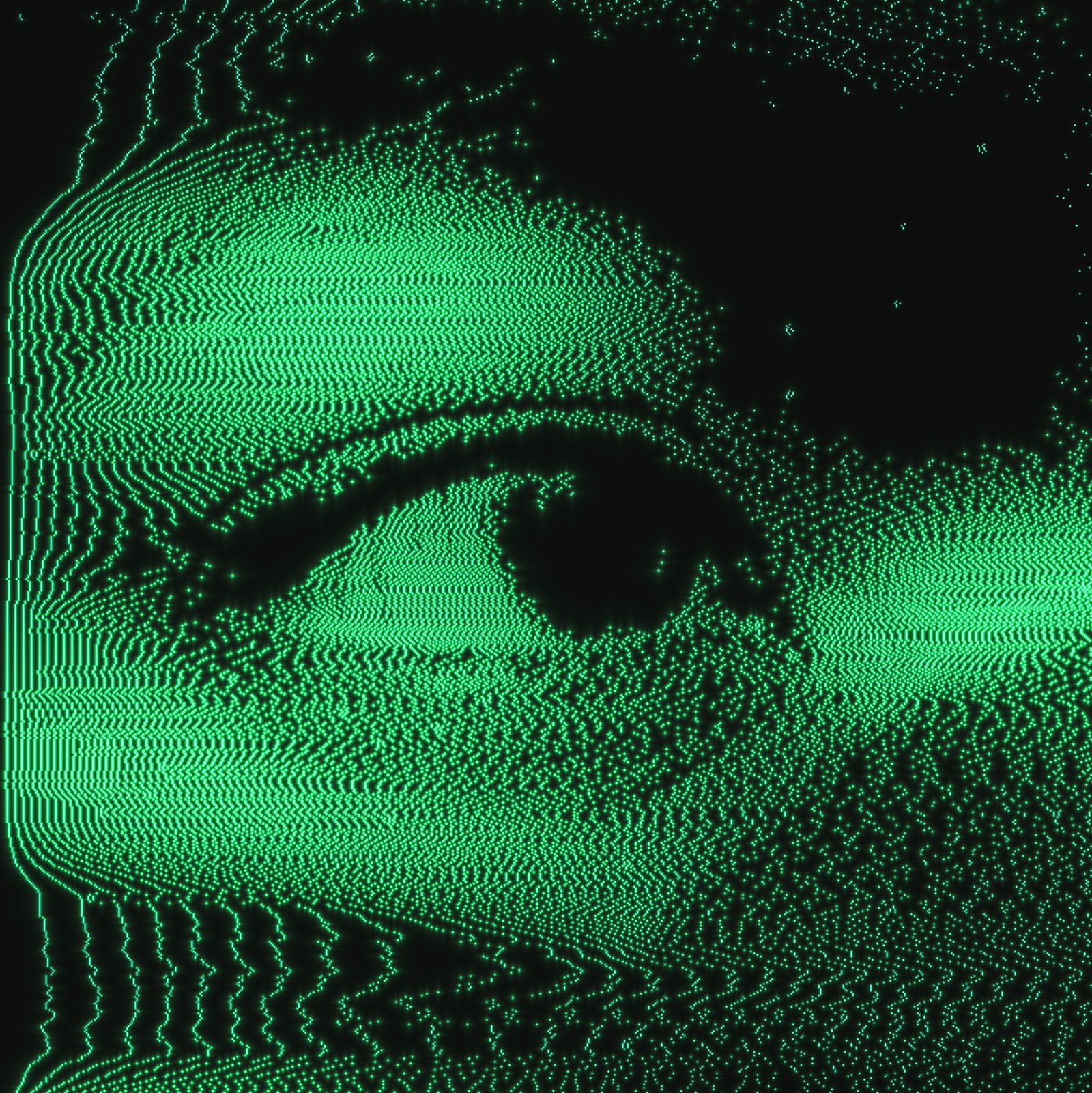
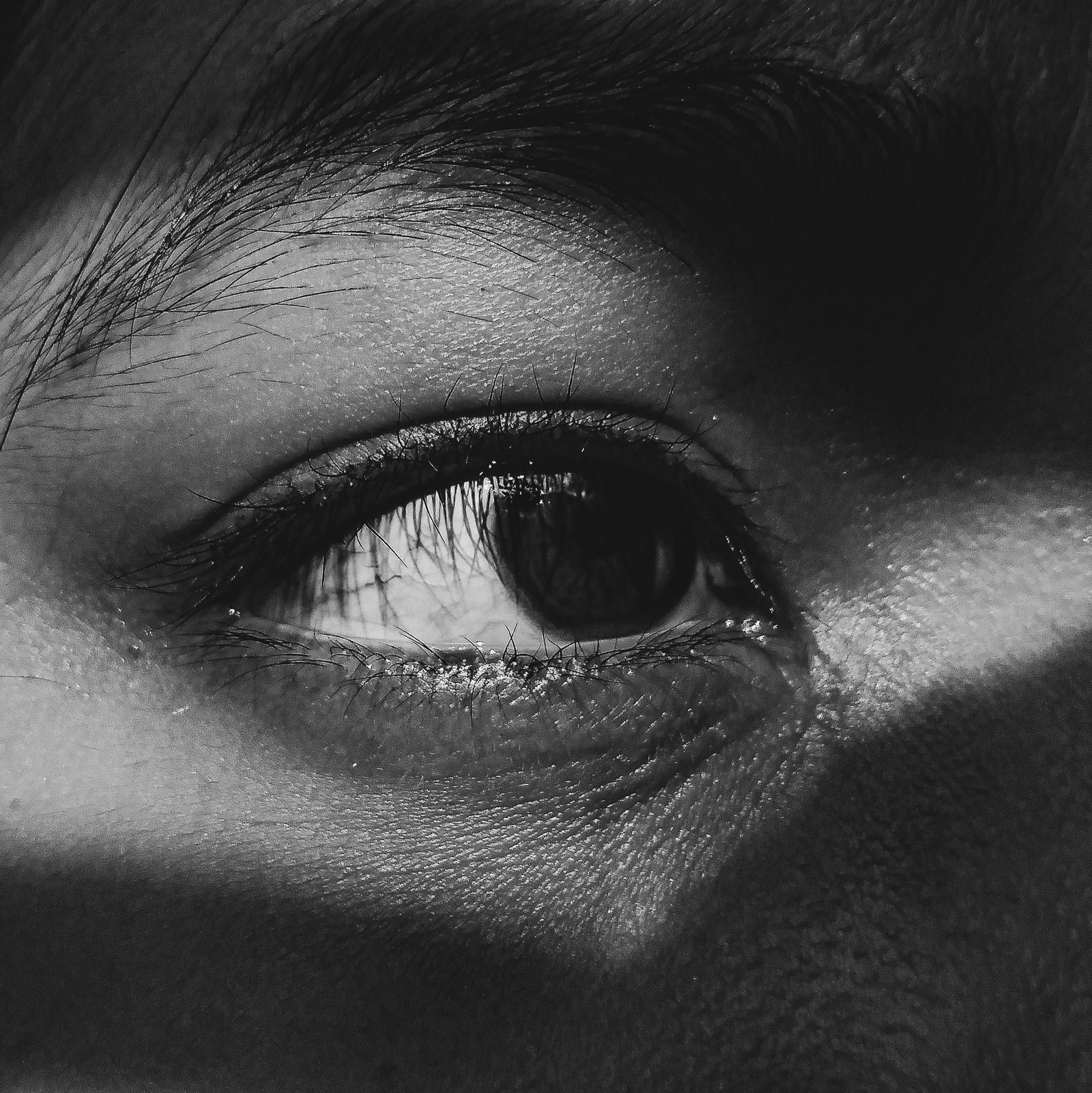
GLCHLAB is a personal creative space, not an agency. There are no client briefs and no committees — only an ongoing log of experiments in graphic effects, pixel manipulation, and image processing.
Every piece begins with an ordinary image and a question: what happens if this is pushed until it breaks, rebuilt from its own pixels, and pushed again? Glitch is one outcome among many — halftone, CRT decay, displacement, and procedural texture are equally at home here.
GLCHLAB is run solo — one person handling every experiment from idea to export, no team, no outside briefs. Based on personal curiosity rather than client work, it exists purely as a running record of image-processing techniques explored over time.
Everything on this site — the archive, the live tools, the app — is built and maintained independently, using a mix of custom scripts, shaders, and open image-processing libraries.
Drop a photo in. It never leaves your browser — every pixel is processed locally. Pick an algorithm, tune it, pull it back out.
Live camera feed, redrawn every frame as raw text characters. Nothing is recorded or sent anywhere — it exists only on this screen, only while you're looking at it.
Hover to reconstruct. Each frame logs its own process.
EXP-014GLI · CRT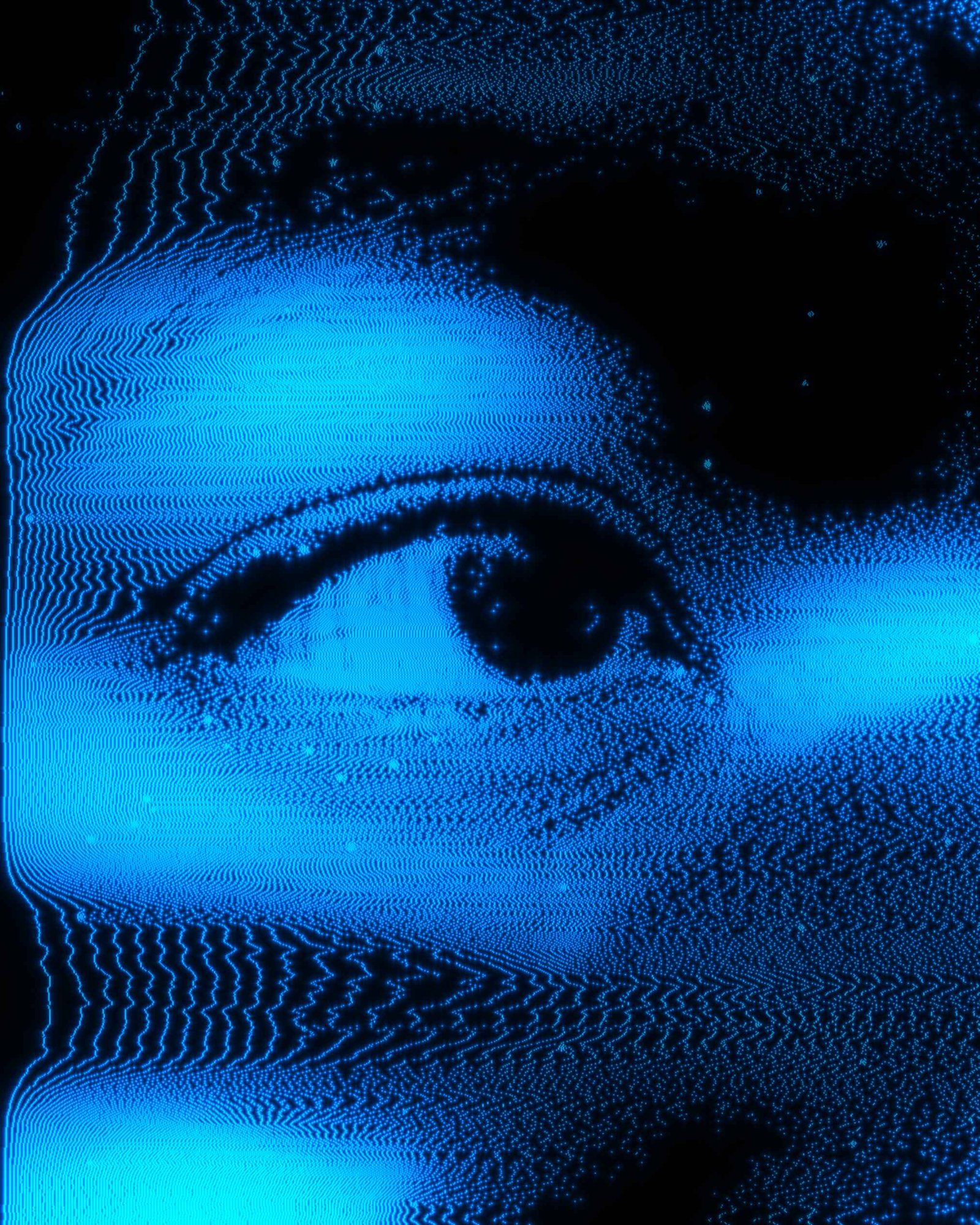 EXP-141CRT · HLF
 EXP-109GLI · DSP
 EXP-117HLF · TEX
 EXP-125HLF · TEX
 EXP-142PTL · GLI
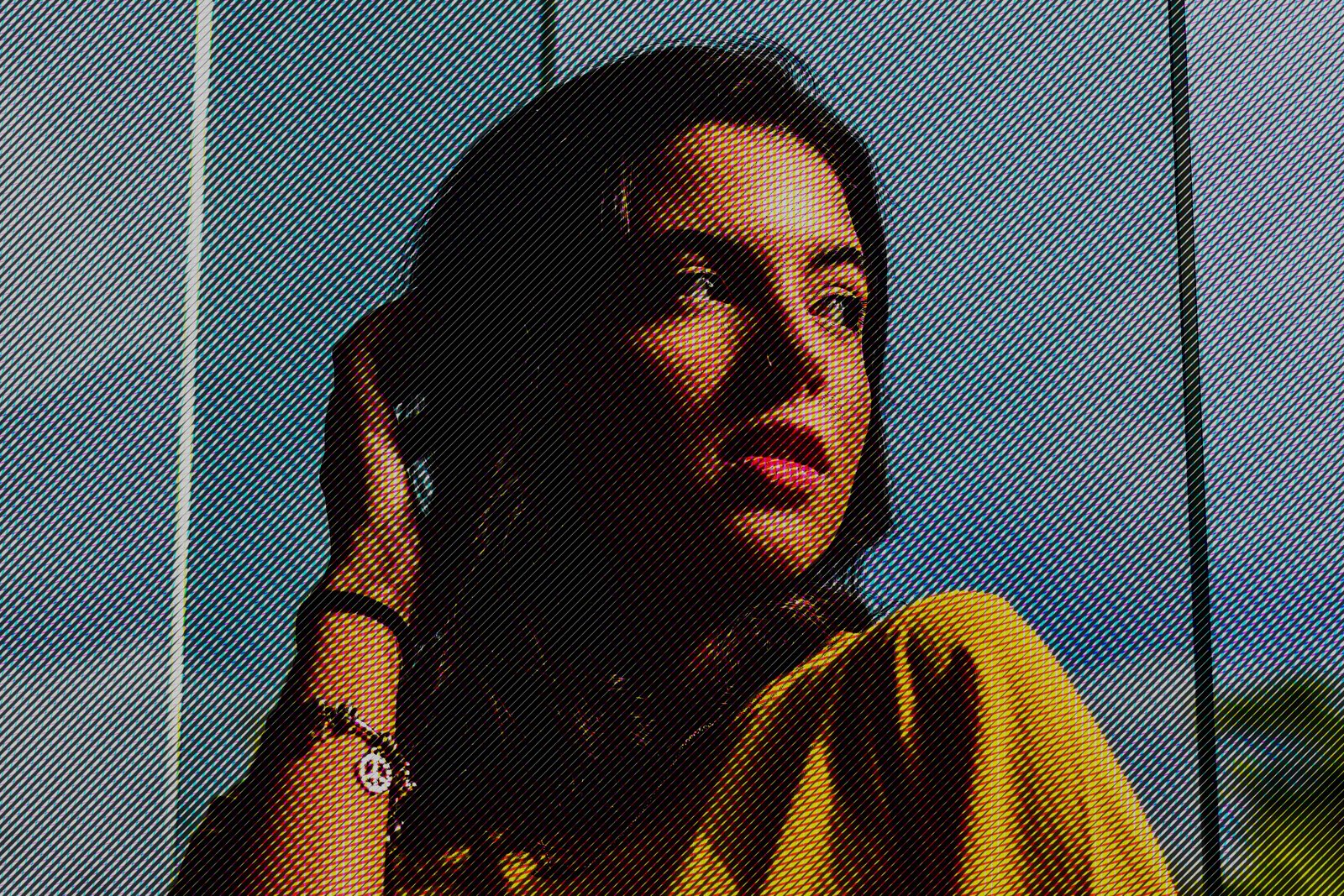 EXP-021HLF · MAN
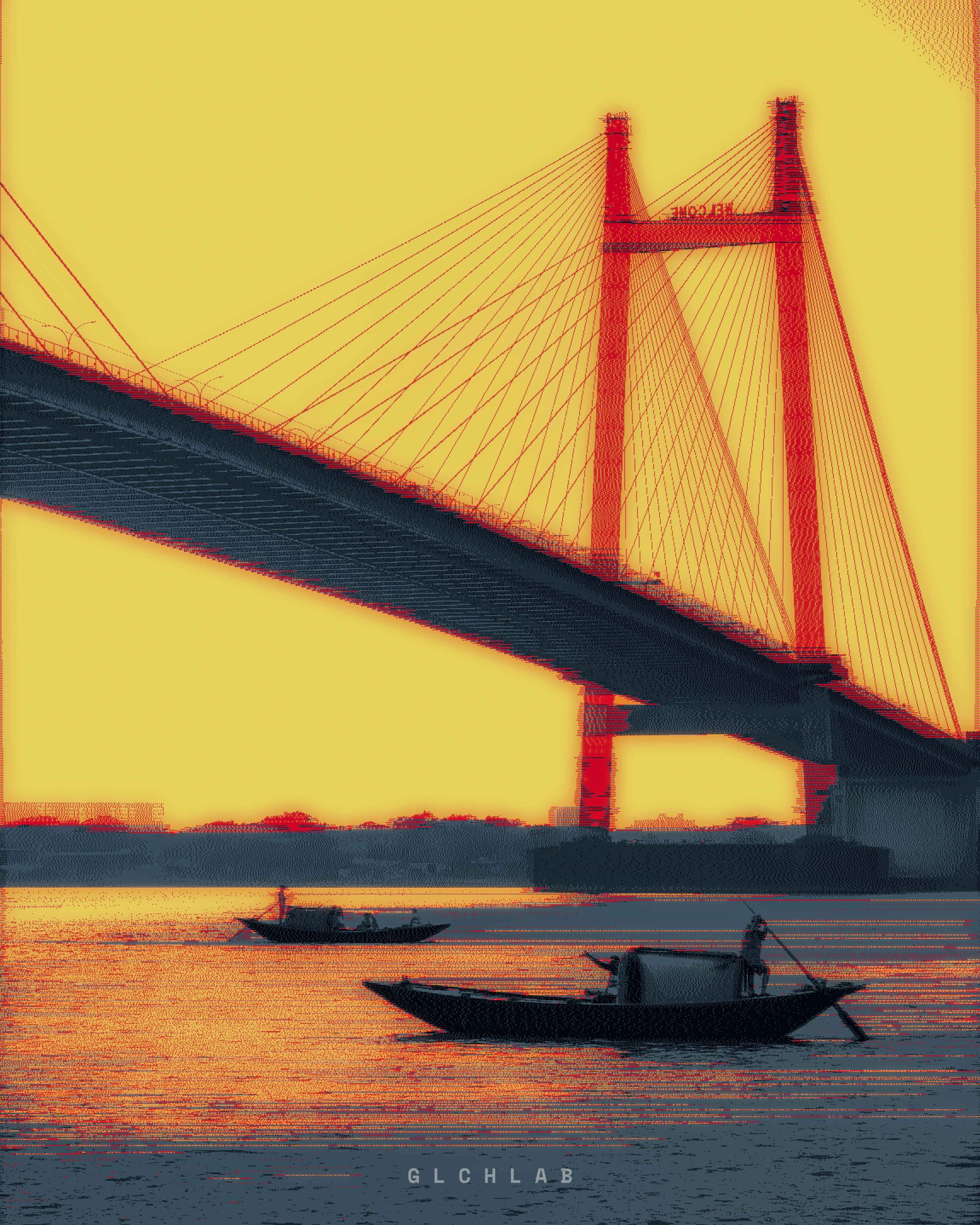 EXP-101HLF · MAN
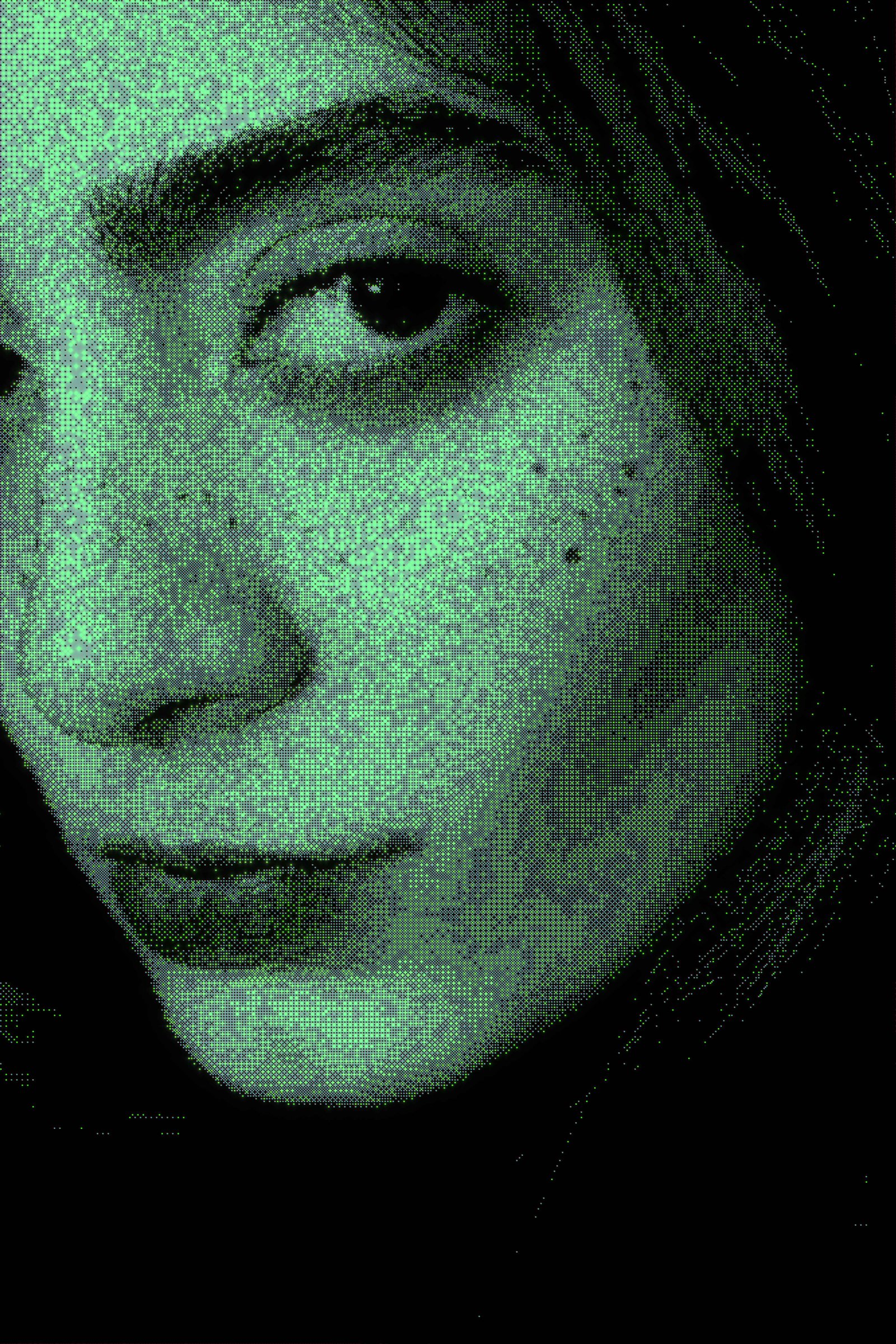 EXP-149HLF · CRT
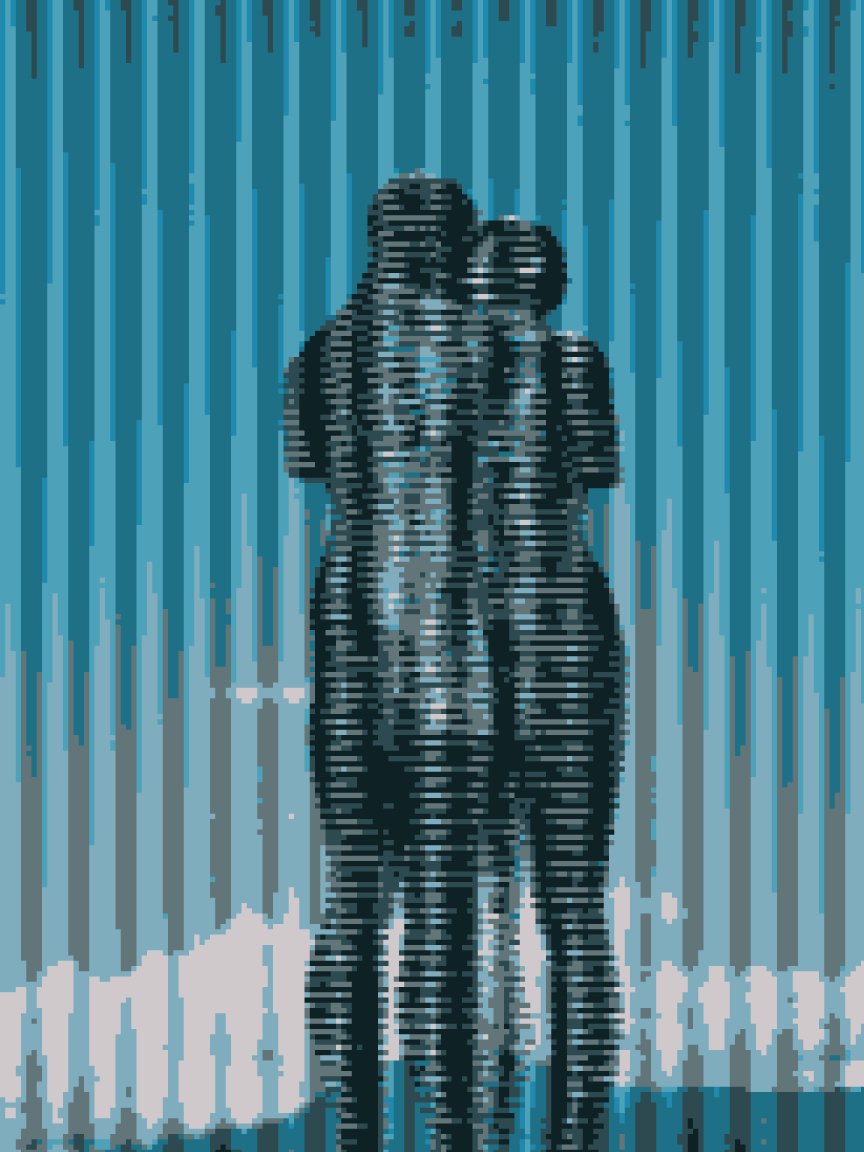 EXP-167GLI · TEX
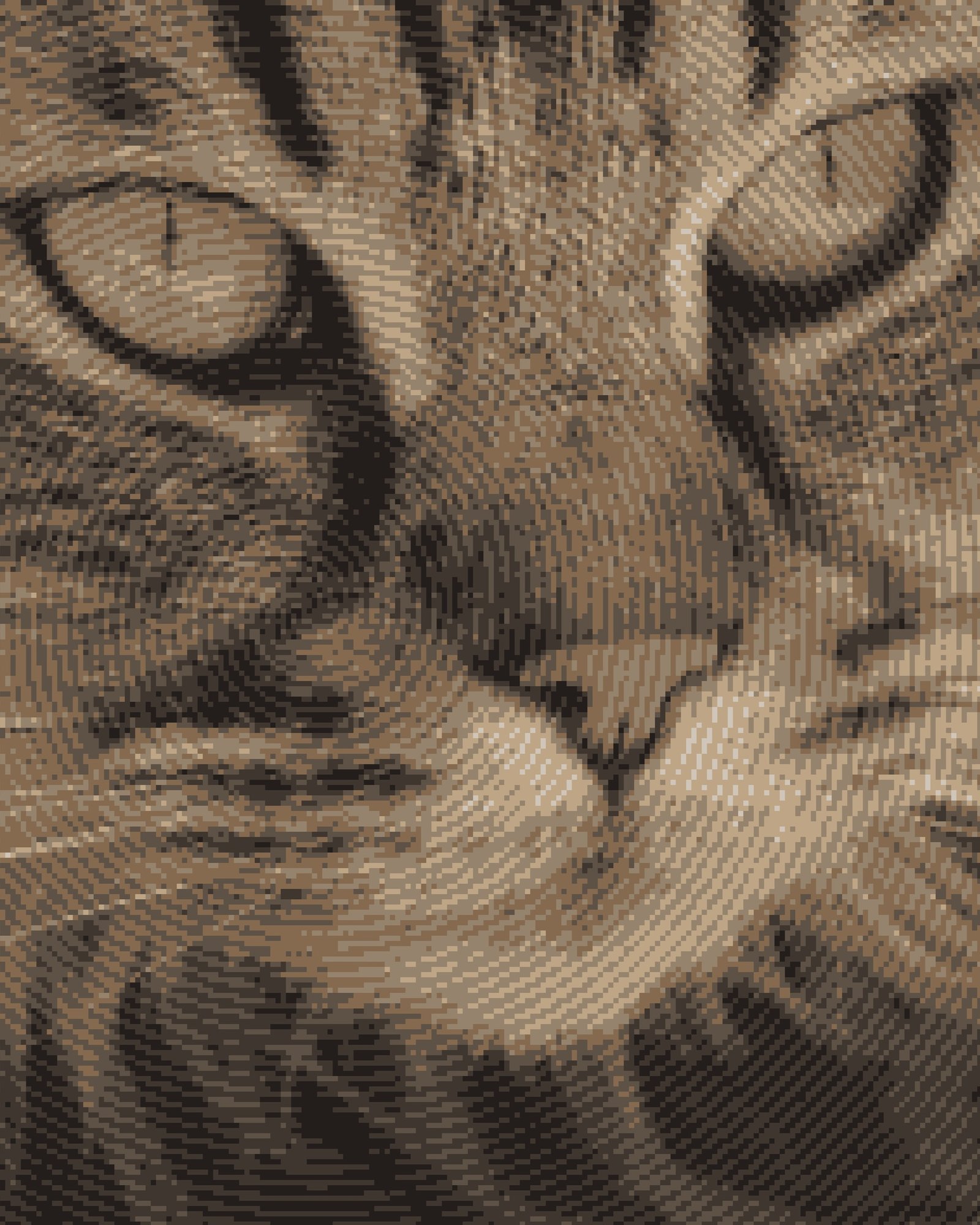 EXP-157TEX · MAN
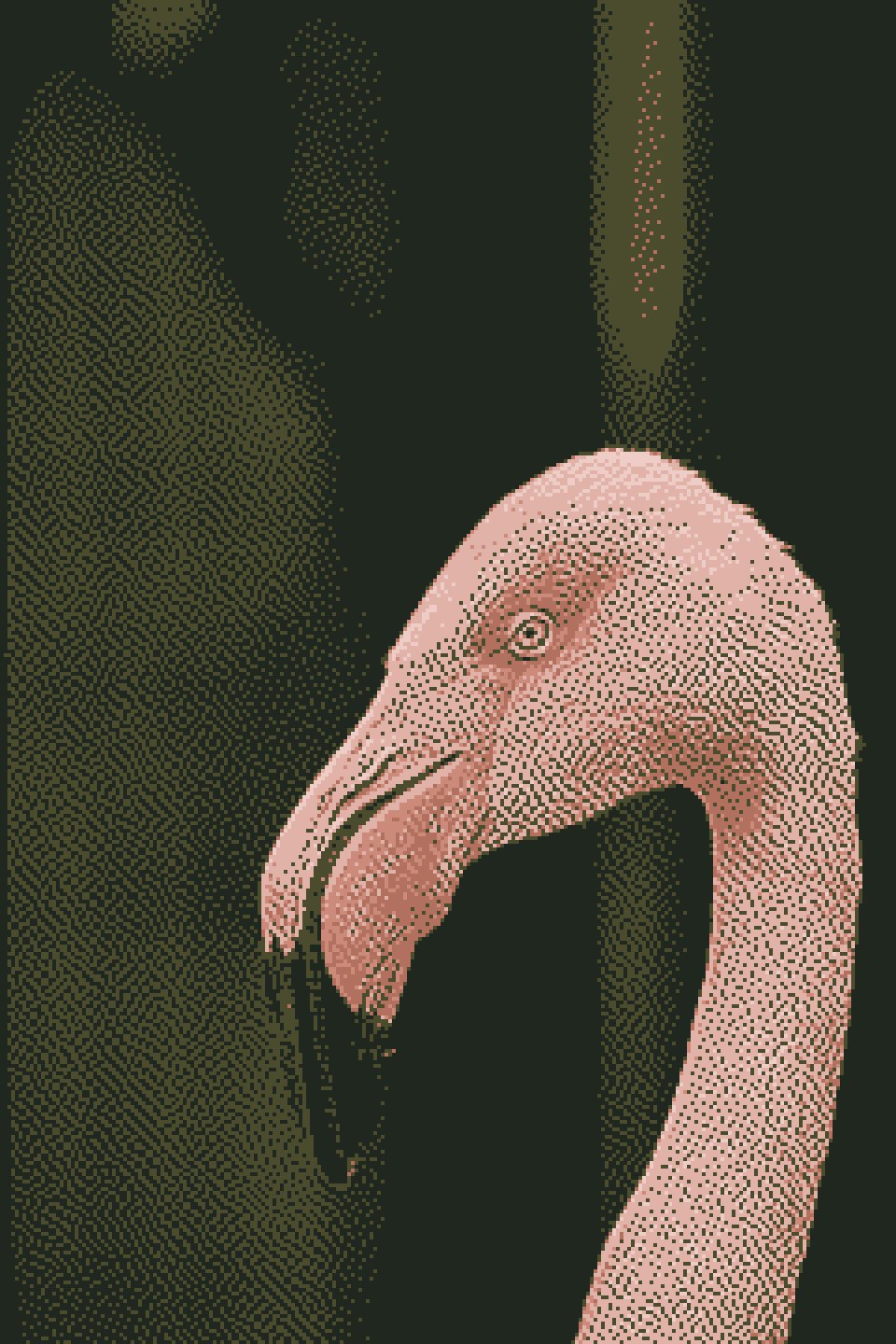 EXP-158PXL · MAN
40+ real-time effects with 16 blend modes - dithering, ASCII, CRT, pixel sort, datamosh, thermal, halftone, and more. Import MP4/WEBM, process every frame live, and export frame-accurate MP4. 100% on-device. No uploads. No render queue.
A real-time workstation for the full effect library. Browser or desktop. Buy once, download instantly.
Dithering, halftone, CRT simulation, ASCII, thermal, risograph, pixel sort, datamosh and displacement — each one a layer you can blend, reorder and dial back. The core engine runs free in your browser, no code needed. Video export, original-resolution output and the Windows desktop app unlock with a one-time $10 license.
A working replica of the GLCHLAB v3.0.0 workspace. Pick a style on the left, switch inspector tabs on the right — every preview below is rendered live by the same kind of code that runs in the app. But this is only a taste — 8 of 30+ styles. The full app adds sound-reactive controls, a full post-processing stack, layer blending, undo history, and video export.
Not a screenshot — the previews above are generated in your browser. The desktop app runs the same algorithms at full resolution, on stills and video.
Everything above, plus a lot more you haven't seen yet.
The desktop build is Windows only and it isn't code-signed yet, so Windows will warn you the first time you run it. Here's exactly what you'll see, and how to check the file is the one we shipped.
GLCHLAB doesn't have a code signing certificate yet. Windows SmartScreen flags every unsigned installer the same way, no matter what's inside it, so you'll see a blue "Windows protected your PC" screen on first run.
GLCHLAB-Setup-3.0.0.exeYou don't have to take our word for it — the file's fingerprint is published below, so you can confirm nothing changed between our build and your download.
996675B707260CEFACF67EE26C5D75BA7F46B2940F0DD1BA8774D1B25804EA8B
Get-FileHash .\GLCHLAB-Setup-3.0.0.exe -Algorithm SHA256
Working on a Mac or Linux machine today? The browser version runs the full effect engine on any modern browser, free. Open the web app →
"Every glitch is just information refusing to behave."— Lab Note, EXP-014
"Halftone taught me resolution is a choice, not a limit."— Lab Note, EXP-021
"The CRT never really died. It just went digital."— Lab Note, EXP-033
Occasionally. If a project fits the lab's experimental process rather than a fixed brief, reach out through the contact channel below.
A mix of code and traditional tools — GLSL shaders, Python image processing, TouchDesigner for real-time work, and After Effects for compositing.
Most pieces are available as prints or licensed image assets on request. Include the EXP number when you get in touch.
No. GLCHLAB is a solo practice — a lab, not an agency. There's no team, no pitch deck, just an ongoing log of experiments.
Yes — the browser version is free to use, no code required. It covers the full dithering and effect engine. Higher-resolution export, animation capture, and the Windows desktop app unlock with a one-time $10 license. We're also actively adding new effects and tools — this is v3.0.0, with plenty more coming.
Pay the one-time $10 fee from the App section above. We'll send a license code — activate it with your device ID and you're unlocked. One license per device.
[i] Download and launch GLCHLAB SoftwareF.
[ii] Enter the License Key included with your purchase.
[iii] Click Activate.
[iv] Your unique Device ID will be displayed automatically.
[v] Copy the Device ID and email it to support@glchlab.com.
[vi] After verification, your personal Activation Code will be generated and sent to you.
Note: Each Activation Code is generated for one device only and cannot be used on another device.
The big ones: a full layer system with 16 blend modes, 12 new effects (40+ total), video import and frame-accurate MP4 export, and export at your source resolution instead of the working resolution. The interface was rebuilt around a 6-tab inspector with Styles, Looks, History and Effect Pack panels. Full notes are in the App section above.
Yes, as of v3.0.0. Import an MP4 or WEBM, and the whole layer stack renders live on every frame — scrub or play it back with the transport bar. Export goes through FFmpeg for a frame-accurate MP4, with a progress overlay and an automatic download when it finishes.
Draw across the frame below — every stroke is generated live, and no two visitors leave the same one. Save yours as your own file.